01
Create a board
Open Karov and add a note, drawing or list.
A LITTLE SPACE FOR YOU + YOUR PEOPLE
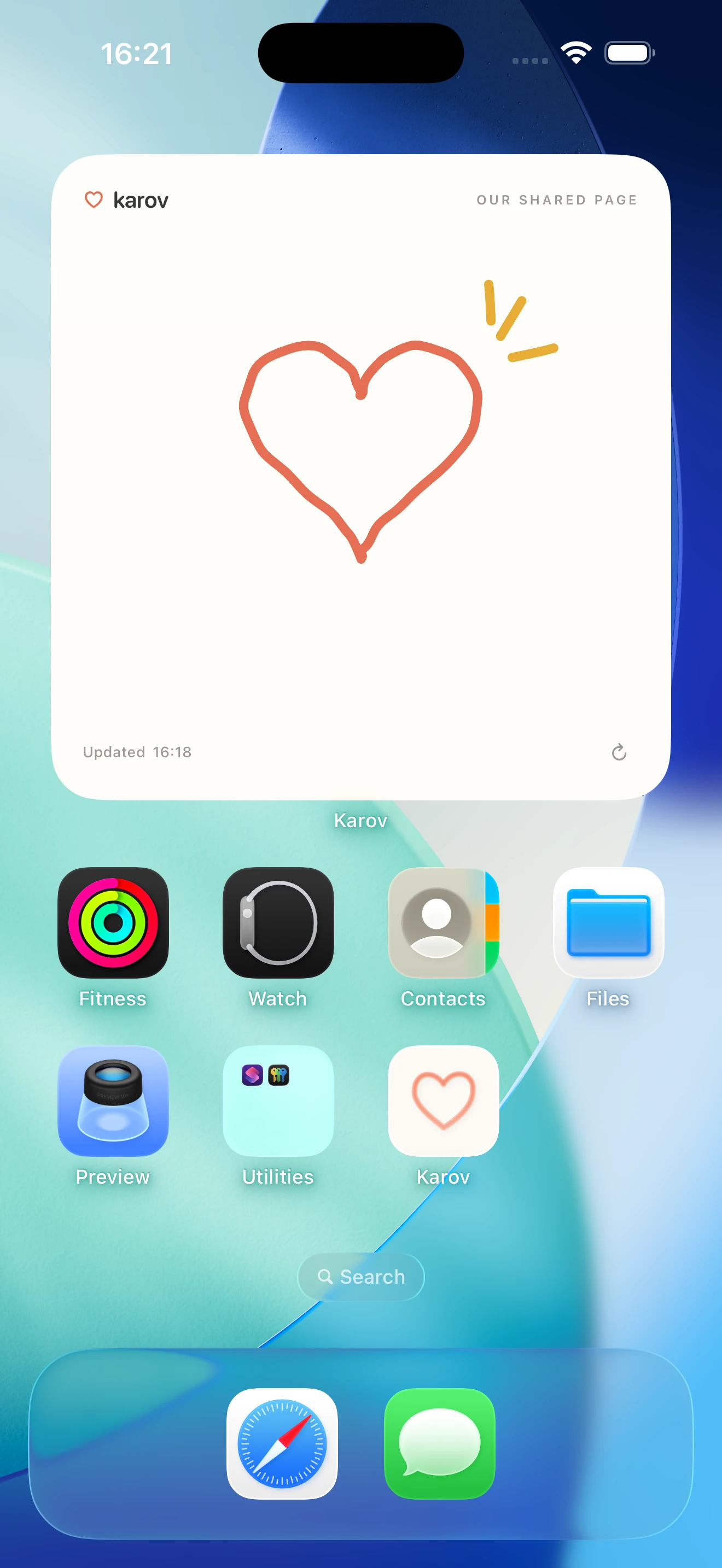
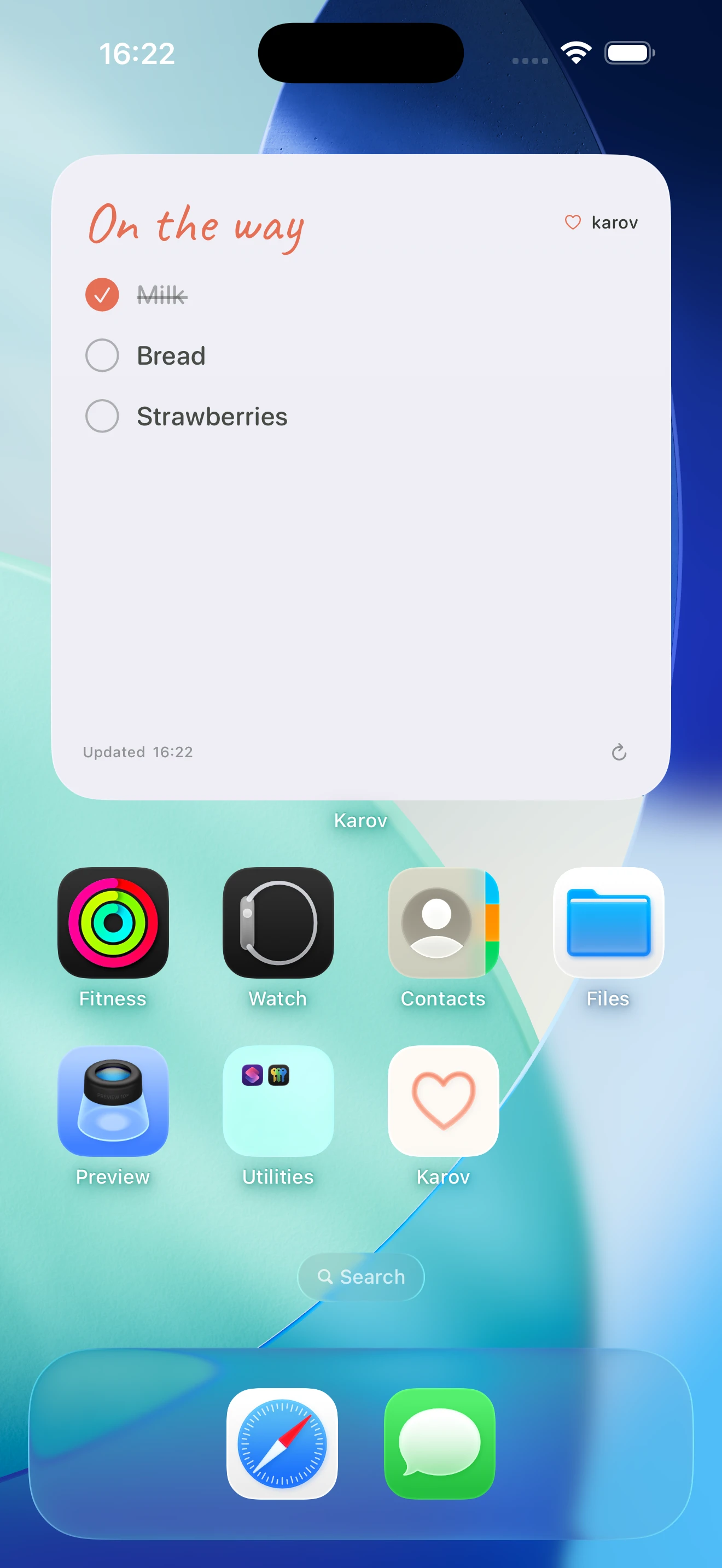
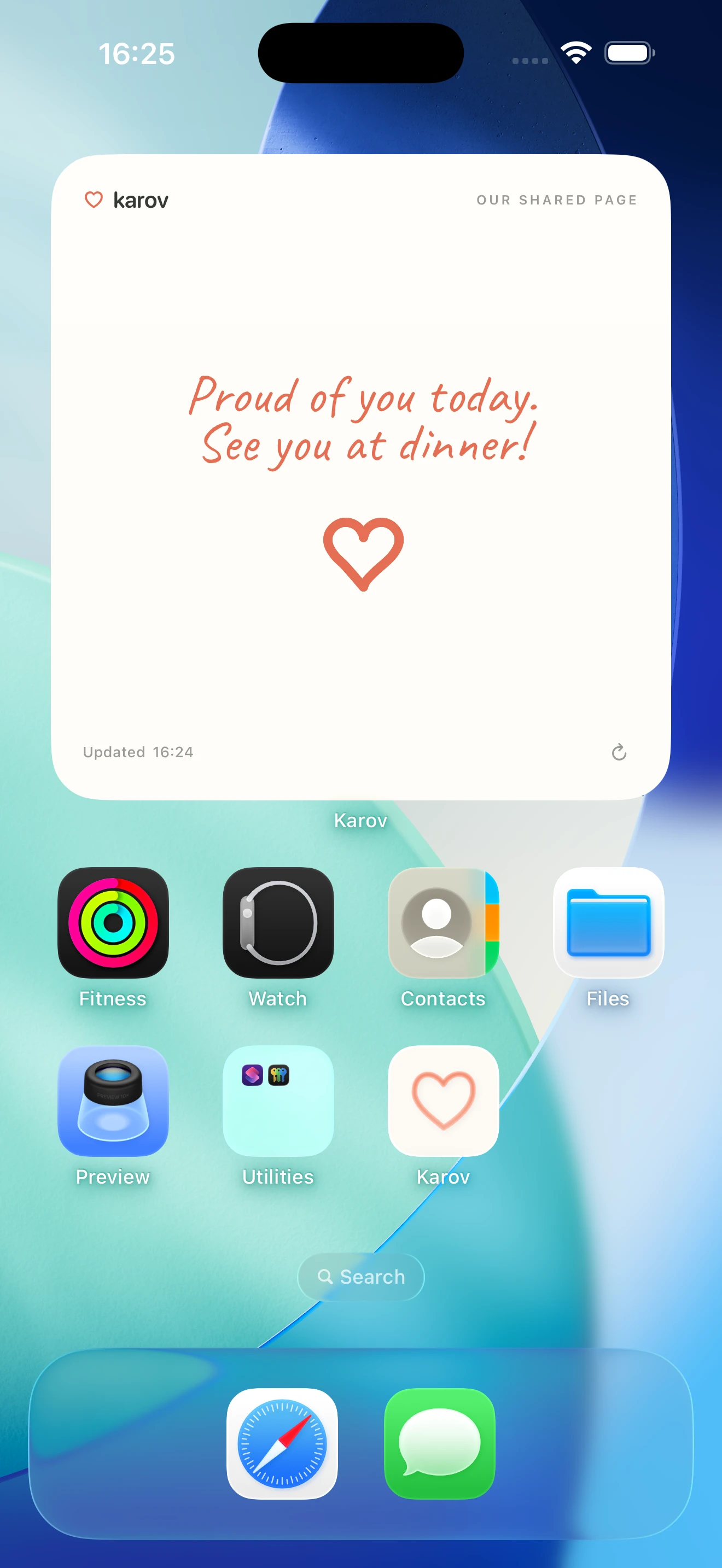
Share notes, drawings and lists with someone you love. Add your board to both Home Screens, so a little of you is always there.
For couples, family and close friends. iPhone & Android.
How do we get started? ↓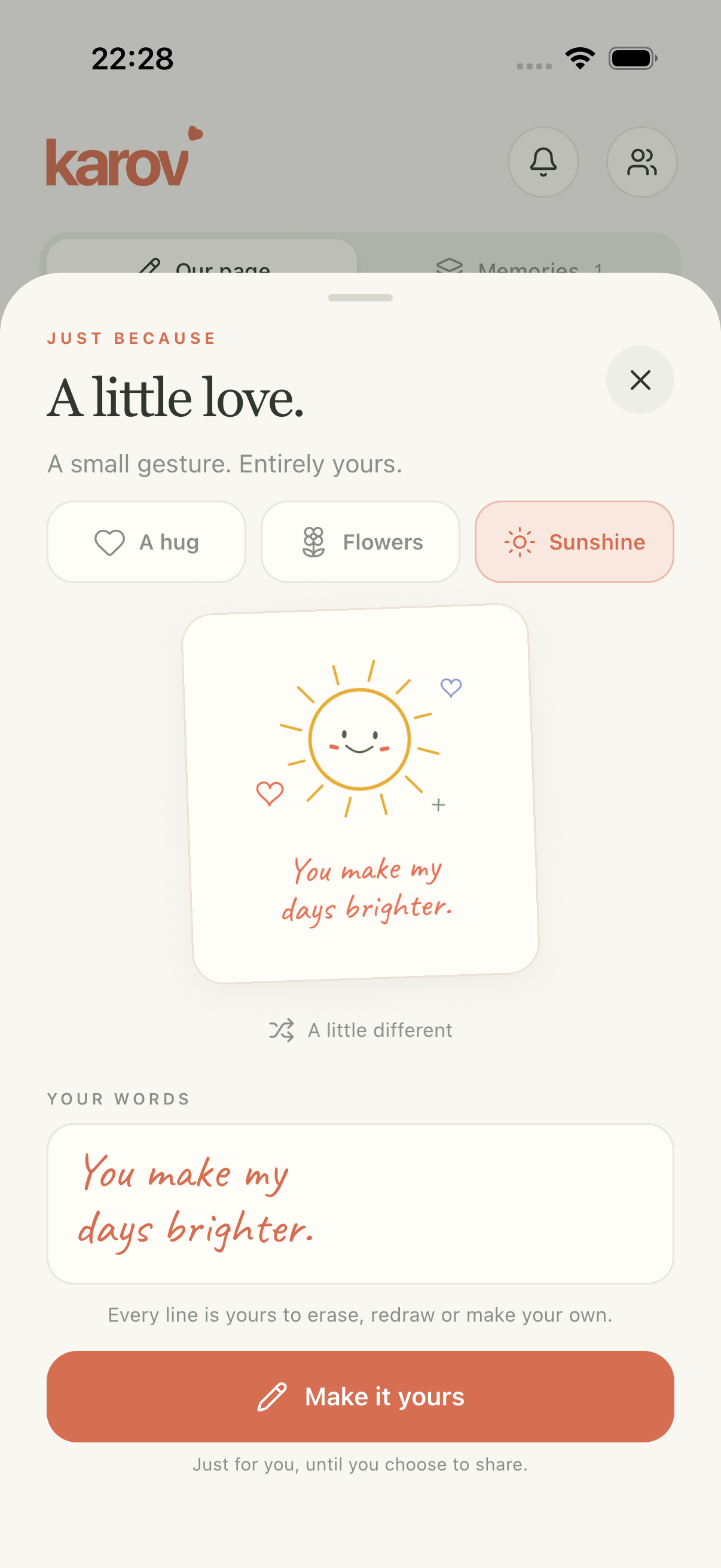
SMALL THINGS. SHARED.
A hello, a hand-drawn heart, or what you need from the store.
HOW IT WORKS
Three steps to your first shared board.
Open Karov and add a note, drawing or list.
Tap Invite, sign in, and send the link or code. Approve their request to share that board.
Each of you adds a Karov widget and chooses the shared board. Now it is part of your day.
Yes. You can share the same board across both. Each person adds the widget on their own phone.
Open the invitation link, or enter its code in Karov. Once the board owner approves your request, select that shared board in the app. When adding a widget, choose that same board.
Download Karov. Create a board. Send an invite.